01 · Test
What testers will do
- ✓ Install and use the app during the test period
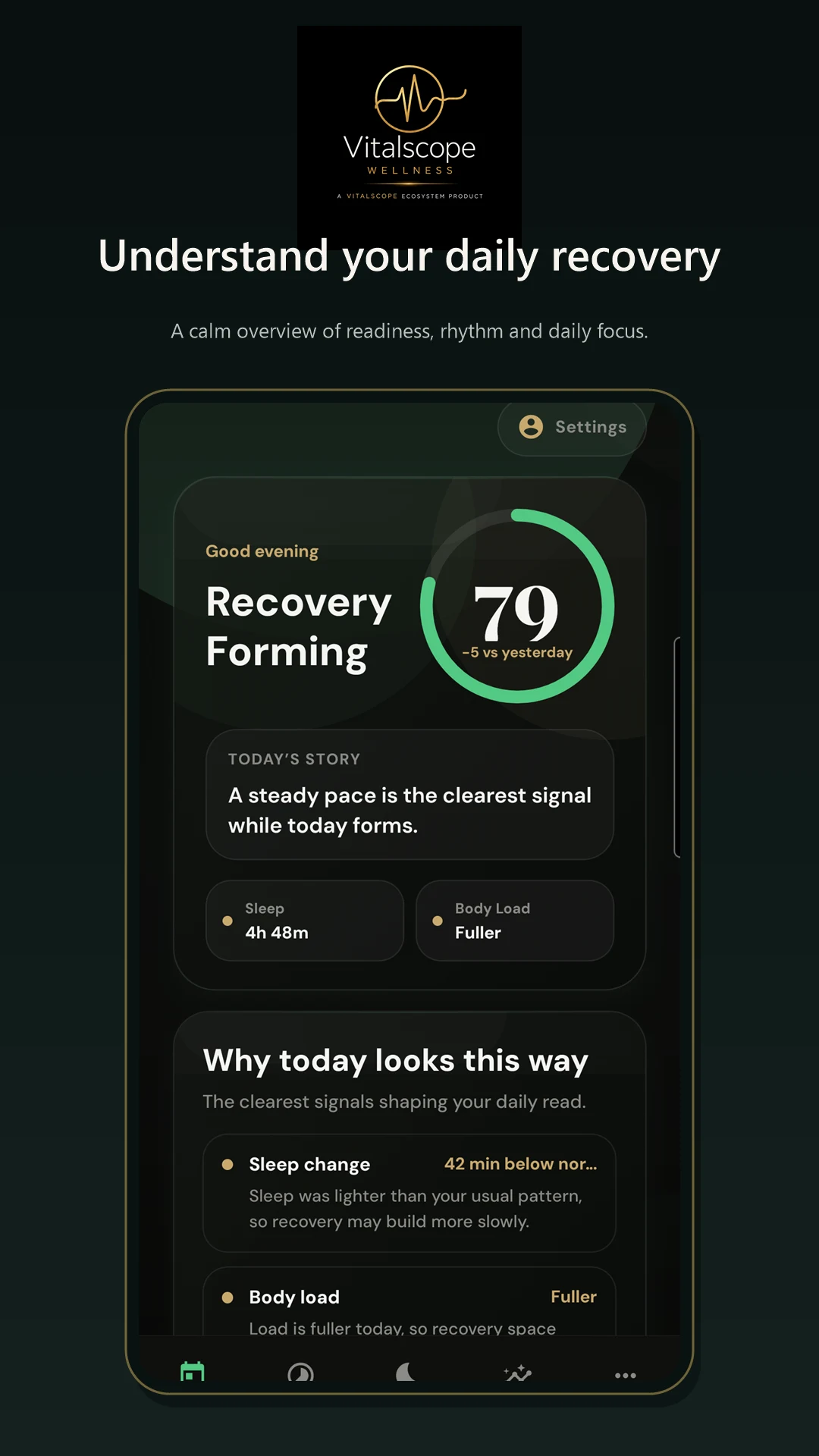
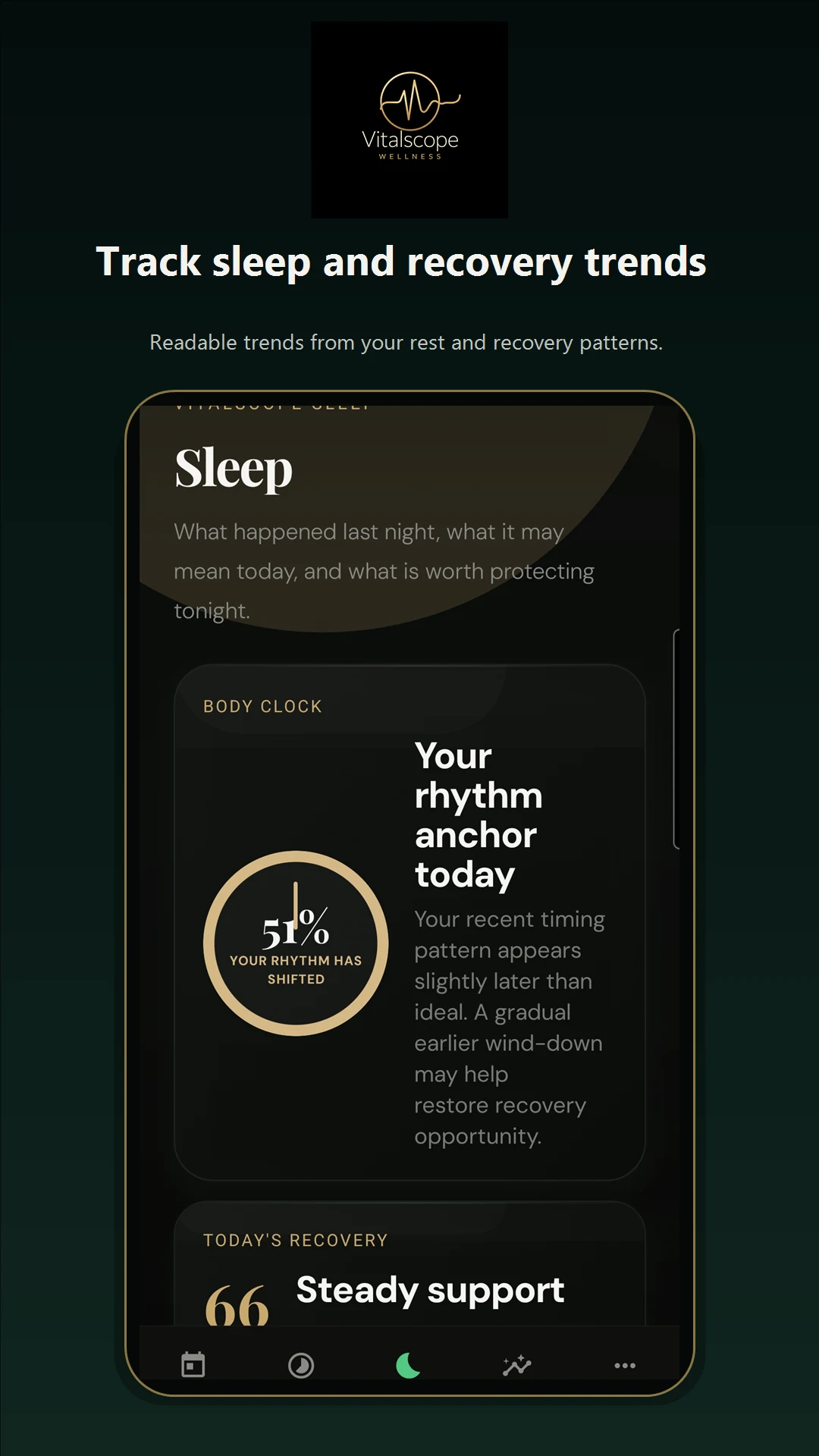
- ✓ Try My Day, Sleep, Signals and lab review
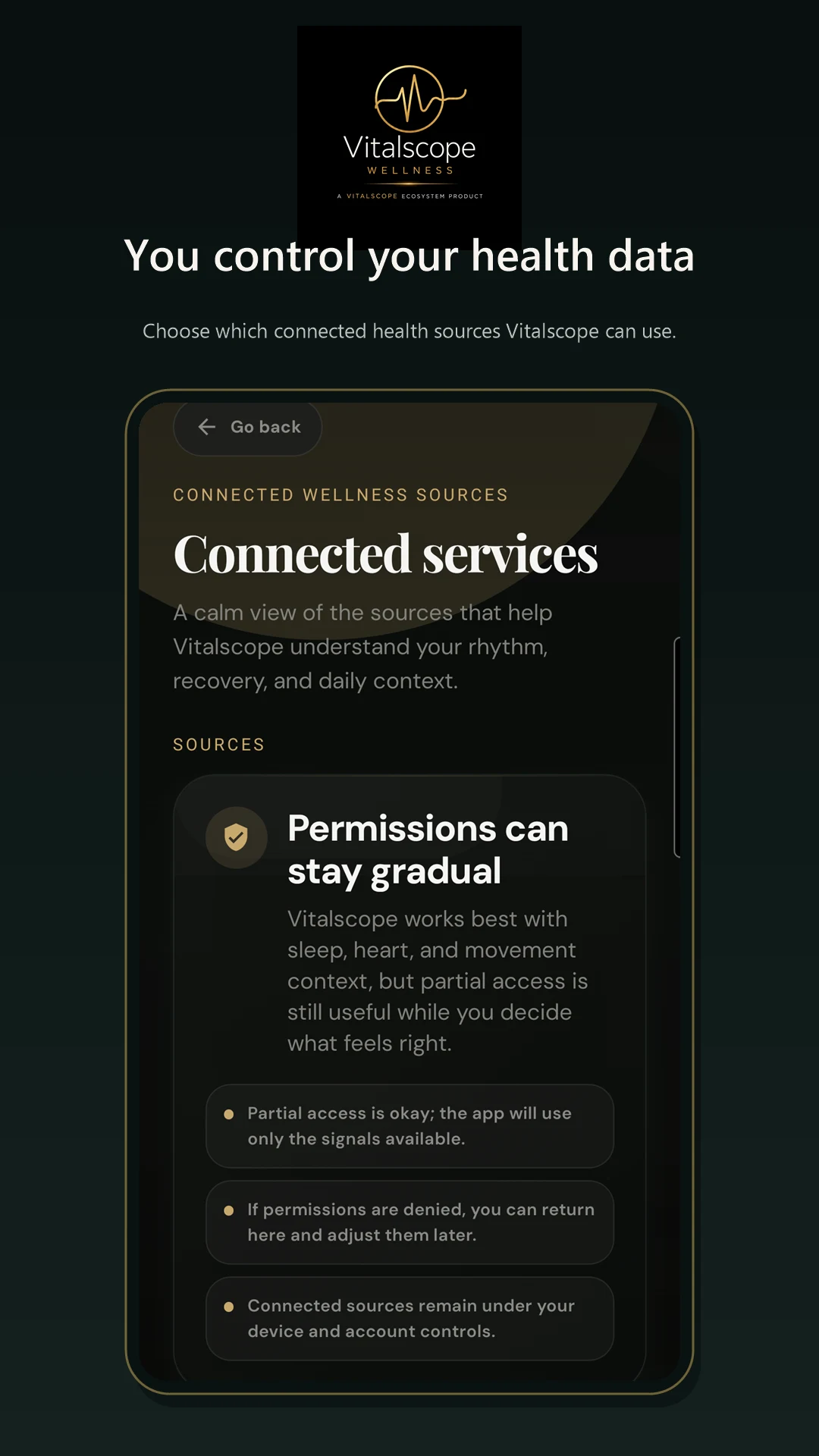
- ✓ Review Health Connect permission flows
- ✓ Send practical feedback by email
- ✓ Stay enrolled for the closed-test period
Vitalscope Wellness · Closed Android test
Use the Android build in real life, check the core Wellness flows and tell us what feels useful, confusing or incomplete.
01 · Test
02 · Devices
We are currently looking for Android users with a device that supports Health Connect. iPhone testing is not open yet; the iPhone app is still in development.
03 · Privacy
The app requests Health Connect access only for the health data needed by the features you use. You choose permissions and can withdraw them. Feedback should never include health information you do not want to share.
04 · Feedback
Email support@vitalscope.io with your device model, Android version and a clear description of what happened. Screenshots are helpful when you are comfortable sharing them.
support@vitalscope.ioClosed Android test
We are currently looking for Android users with a device that supports Health Connect. iPhone testing is not open yet; the iPhone app is still in development.