01
Know how you are doing today
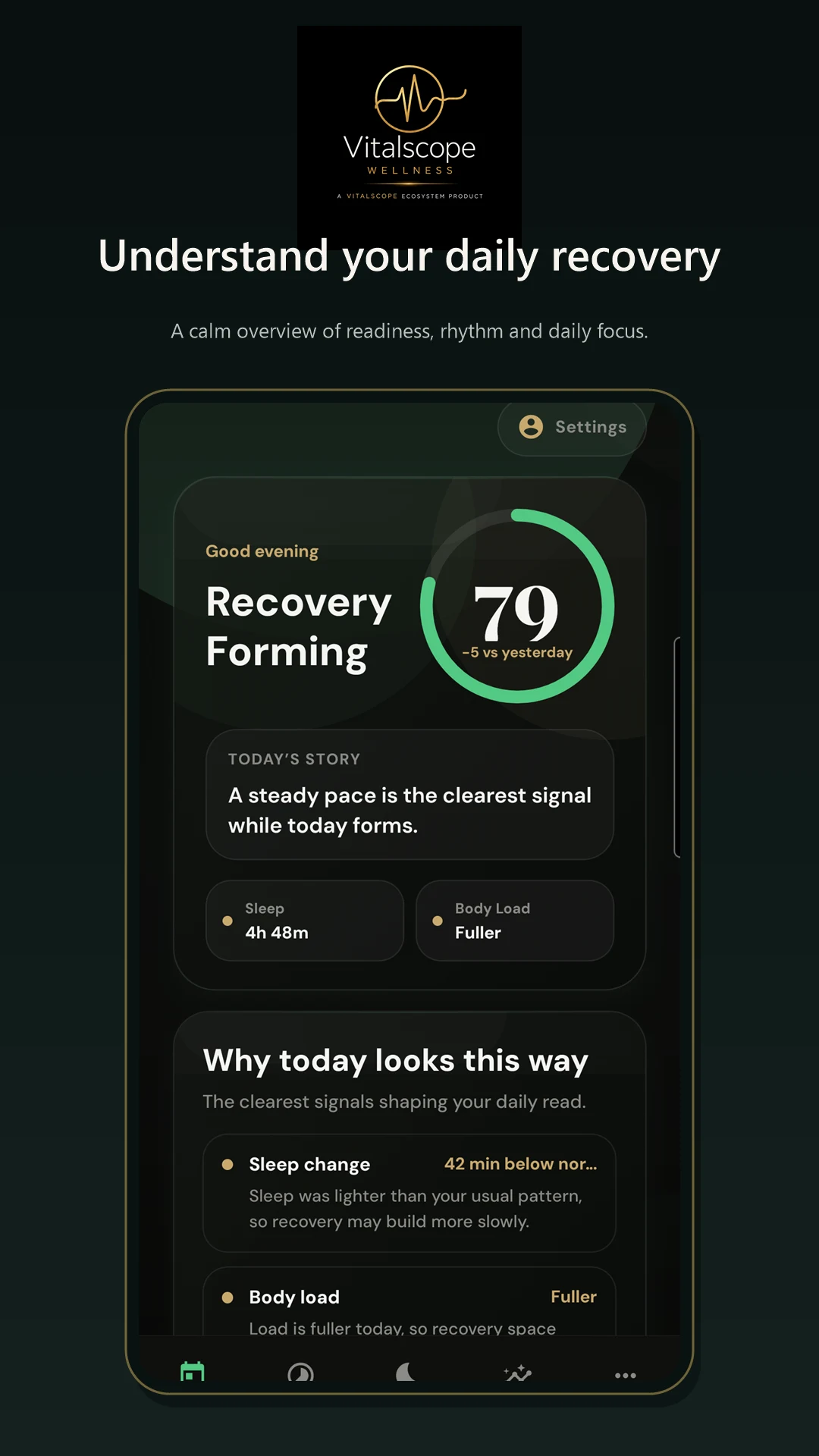
My Day brings sleep, recovery and activity into one readable daily view.
Vitalscope Wellness · Android beta
Bring sleep, recovery, activity and health signals together in one calm view, then understand what changed and what you can do next.
My Day · Rhythm · Sleep · Signals
My Day brings sleep, recovery and activity into one readable daily view.
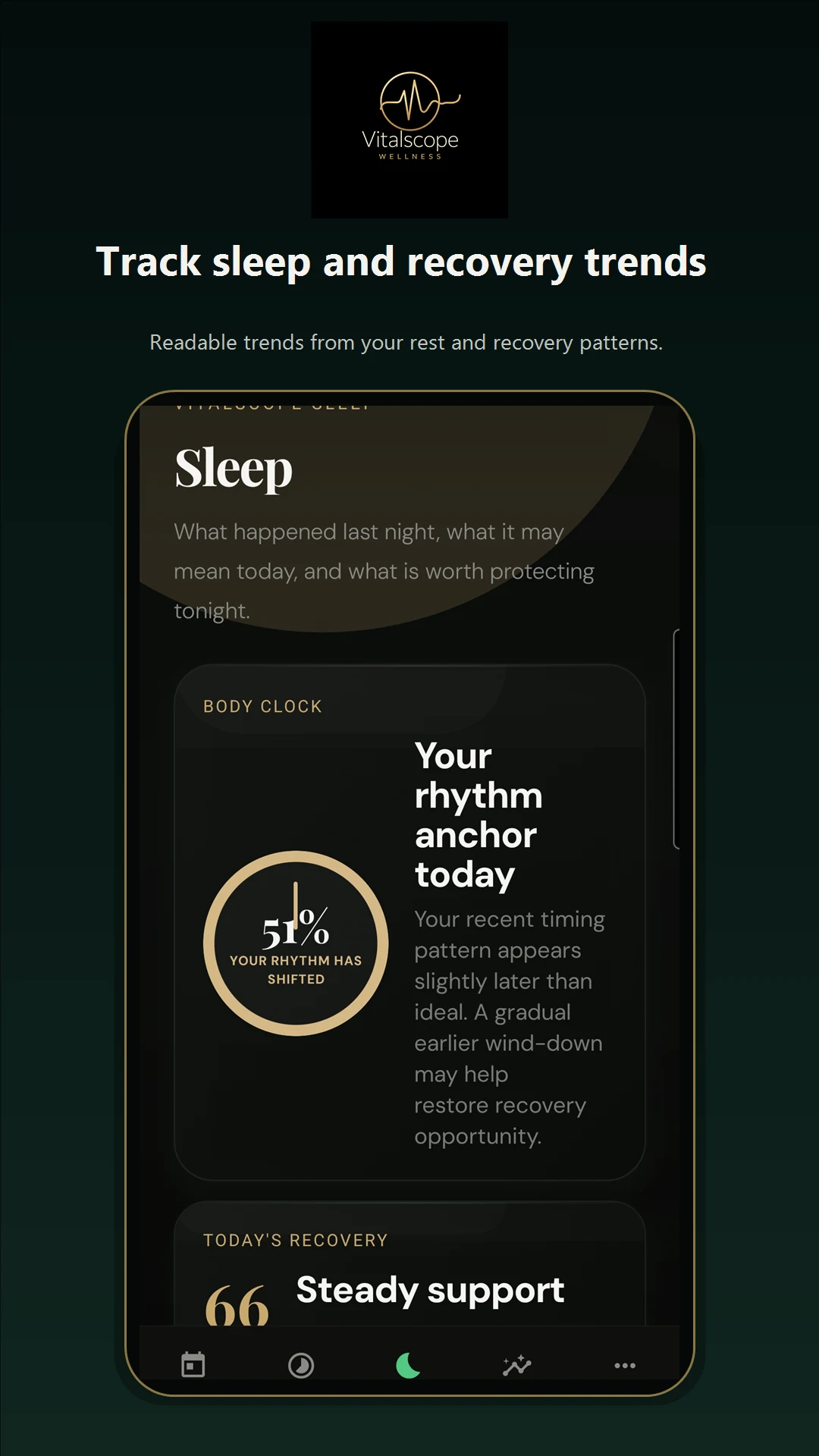
Sleep and Signals explain the shifts worth noticing without turning your day into a dashboard.
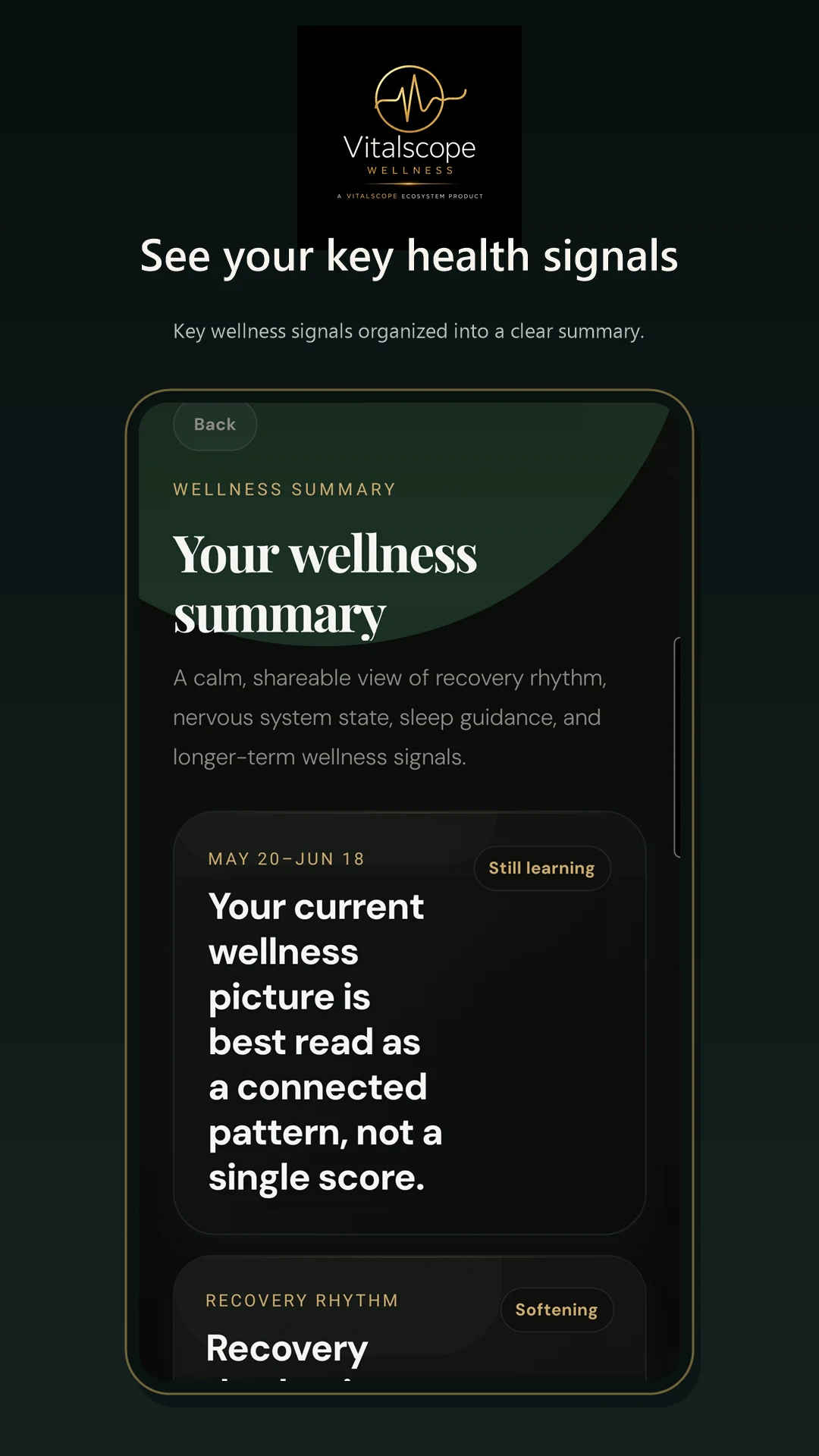
Rhythm helps you connect daily changes with longer-term patterns.
Daily Briefing and the Wellness Agent turn context into useful, non-medical guidance.
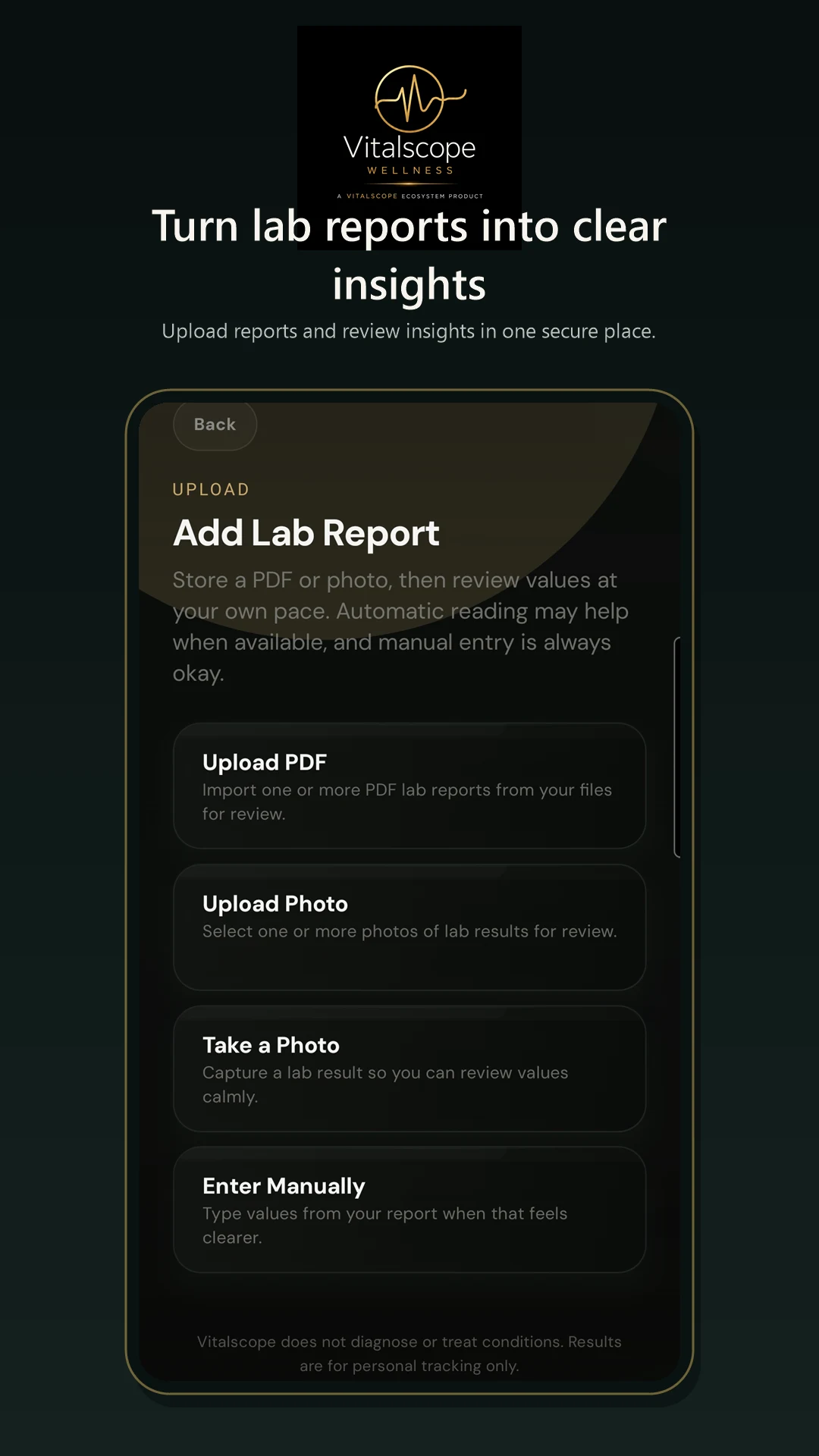
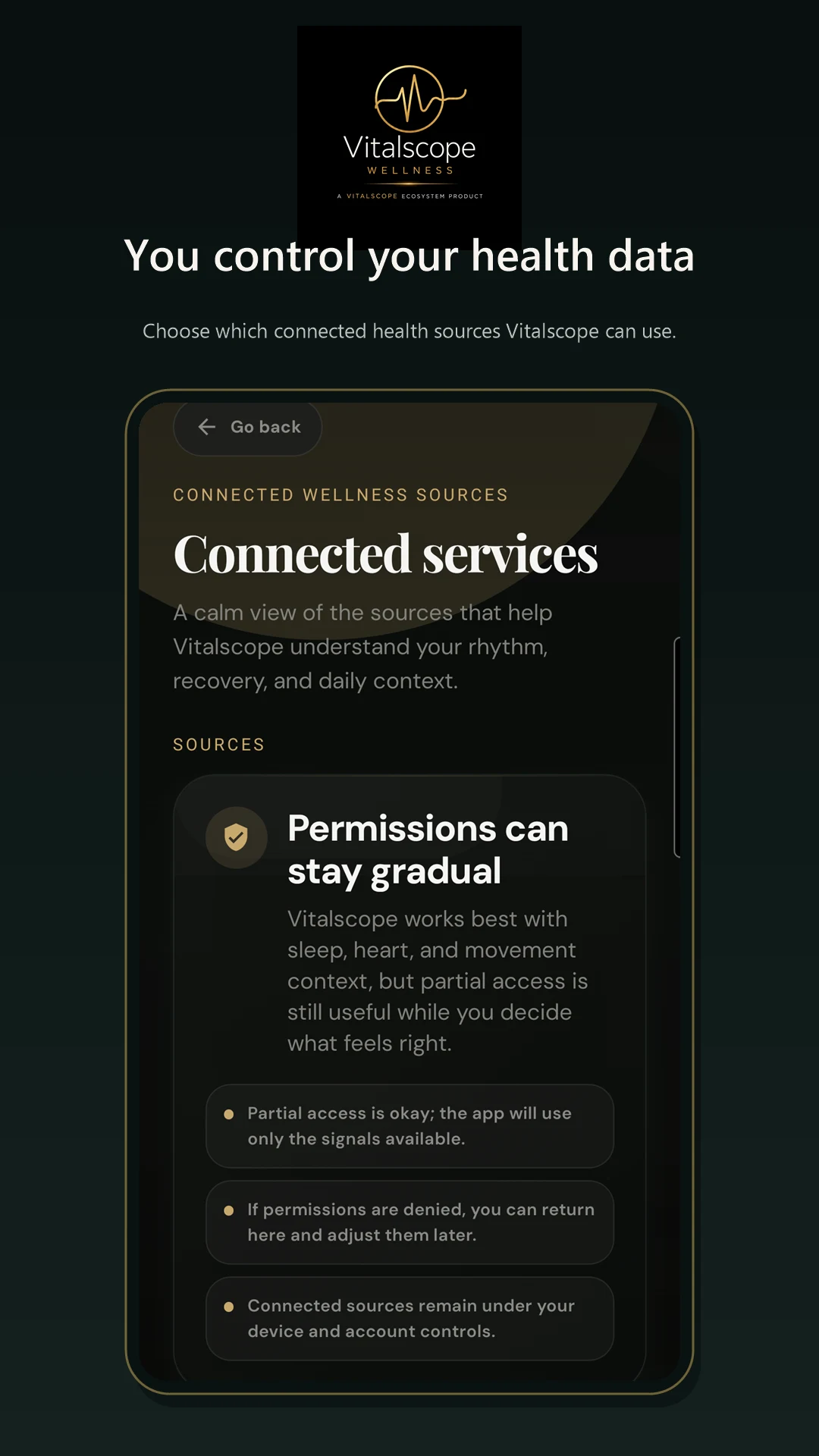
Clear permissions and account controls help you decide what is connected.
Wearable connections
Your wearable normally syncs with its own companion app first. That app can then share supported health and fitness data with Health Connect on Android or Apple Health on iPhone. Vitalscope reads only the data categories you choose to allow.
Android connection is available for testing. The Vitalscope iPhone app and its Apple Health connection are still in development.
Wear your watch, ring or fitness tracker
Sync it with the manufacturer’s app
Allow that app to share data with Health Connect or Apple Health
Allow Vitalscope to read the required categories
Open Vitalscope and run or wait for synchronization
To review permissions, open Health Connect through Android Settings or the Health Connect interface, then open App permissions. Check that the wearable’s companion app can write the relevant data and that Vitalscope can read it. The exact Settings path varies by Android version and phone manufacturer.
To review access, open Apple Health, tap your profile picture or initials, open Apps or Devices under Privacy, select the wearable app or Vitalscope, and review the enabled categories. Apple Watch normally records its supported data directly into Apple Health.
FAQ
Usually not. Your wearable syncs to its manufacturer’s app, which shares supported data with Health Connect or Apple Health. Vitalscope then reads the health categories you approve.
Vitalscope can use supported data made available through Health Connect on Android or Apple Health on iPhone. Compatibility depends on whether the wearable and its companion app share the required data categories. We do not publish a definitive device list until each device or ecosystem has been tested.
The wearable may not have finished syncing; its app may not share that category; a Health Connect or Apple Health permission may be disabled; Vitalscope may not have read permission; the device may not export that measurement; or the synchronization cycle may not have completed.
Not every wearable records or shares every measurement. Some devices may provide steps and sleep but not HRV, resting heart rate, respiratory rate or workouts. Availability also varies by model and operating system.
Yes. You choose the individual health permissions granted through Health Connect or Apple Health and can change or revoke them later.
Vitalscope currently reads approved health data and does not write health measurements back to your wearable platform.
Open the wearable app and force a device sync. Confirm the latest data appears there. Check that the app can write the category to Health Connect or Apple Health, then check that Vitalscope can read it. Reopen Vitalscope and sync again. If needed, restart the phone. Revoke and grant permissions again only after simpler checks fail. If the issue remains, contact support with your phone model, wearable model, operating-system version and missing data category.
Privacy & control
Vitalscope uses permissions you choose. You can review connected data and request account deletion. Wellness provides educational guidance and is not a medical device or a substitute for professional care.
Learn moreAvailability
The Android app is in closed testing and uses Health Connect where supported. The iPhone app and Apple Health support are in development and are not yet available.
Join the Android test